






Every e-commerce site wants higher conversion rates, right? UX design is at the heart of getting there. If your site’s navigation is clear, loads fast, and feels easy to use, you’re already nudging visitors closer to buying. Good UX clears away the junk that stops people from finishing a purchase, so more visitors actually become customers.

UX isn’t just about making a site look pretty. It’s about making it work for real people, on any device. Trustworthy design, clear calls-to-action, and a mobile-friendly setup boost confidence and get folks clicking. If you stick to proven UX best practices, you’ll keep people coming back, and you won’t need to blow your budget on ads.
People expect online shopping to be smooth and hassle-free. Regular testing and tweaks help your site keep up. Here are five UX design principles that’ll make your e-commerce experience better and get those conversion rates up.
Key Takeaways
- Simple, clear design leads to more clicks and more sales.
- Trust signals and mobile-friendly layouts make shoppers feel safe.
- Testing and tweaking keep conversions growing.
Essential UX Design Principles for Higher Website Conversion
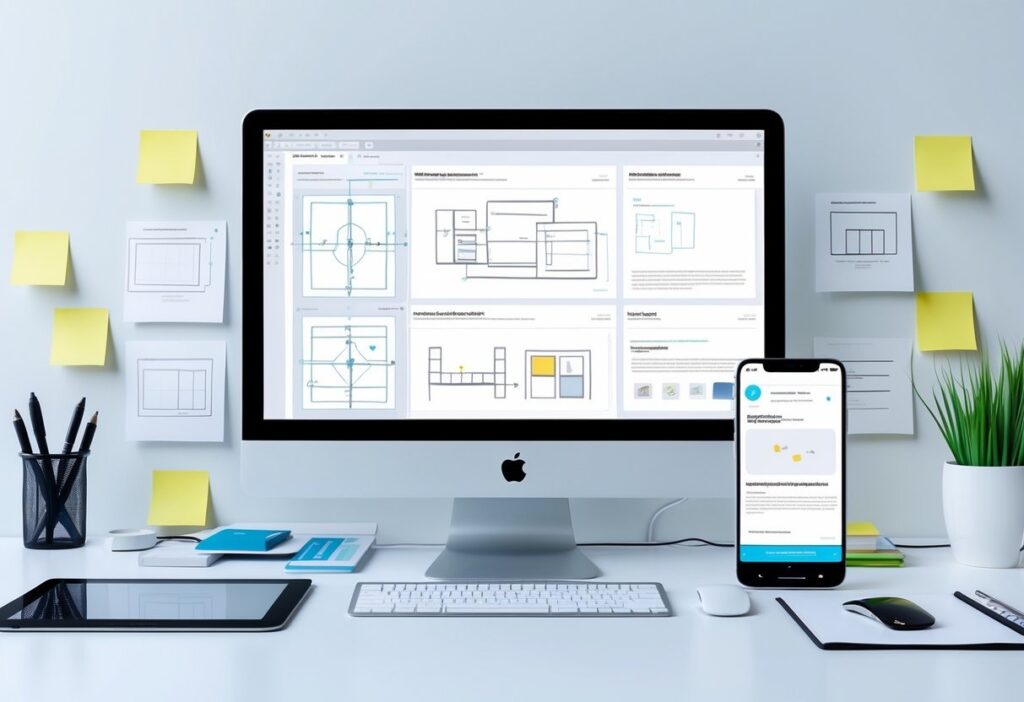
Want more conversions? It comes down to smart design choices. You need clear signals that guide users to the right actions. Navigation should just make sense; no one likes getting lost on a site. Trust grows when people see proof you’re legit and that their info’s safe.
Mobile and responsive design keep things smooth, no matter what device someone’s using. That keeps people engaged and less likely to bail.
Clear Calls-to-Action and Optimized CTA Placement
Calls-to-action (CTAs) are your money-makers. They need to be obvious, short, and tell people exactly what to do, think “Buy Now” or “Get Your Quote.” If your button language is active, people hesitate less and click more.
Where you put CTAs matters, keep them above the fold so nobody misses them. Use a color that pops and give the button some breathing room. Don’t cram the page with too many CTAs; one clear goal per page is enough.
Try out different button colors, words, and sizes with A/B testing. You’ll see what your audience actually likes, not just what you think works.
Streamlined Navigation and Intuitive User Journey
Navigation should make the user journey easy. Menus work best with 5-7 main items; more than that and people get overwhelmed. Stick to labels everyone recognizes so nobody has to guess.
Group related pages together. Most users expect the menu up top or on the left. Add a search bar for folks who know exactly what they want.
Keep things flowing. The fewer hoops users jump through, the more likely they’ll stick around and buy. Use familiar design patterns so people know what to expect.
Building Trust Through Social Proof and Trust Signals
Trust is everything. If your site feels reliable, people are way more likely to buy. Show off testimonials, reviews, or case studies; let your happy customers do the talking.
Display SSL icons, payment badges, and partner logos to show that you take security seriously. Stick to consistent colors, fonts, and tone for a professional vibe.
Be clear and honest in your messaging. If people believe you’ll deliver, they’ll stick around and convert.
Responsive and Mobile-Optimized User Experiences
Mobile traffic is huge now. If your site isn’t responsive, you’re missing out. Mobile layouts should focus on what matters: big buttons, easy navigation, and no clutter.
Start designing for mobile first, then scale up. Avoid heavy graphics that slow things down. Fast load times and simple touch controls keep users happy.
Test your site on real devices, not just emulators. Responsive design shows you’re serious, and it builds trust no matter what device people use.
Want to dive deeper into high-converting CTAs? Check out this UX design guide for conversions.
UX Best Practices for E-commerce Conversion Optimization
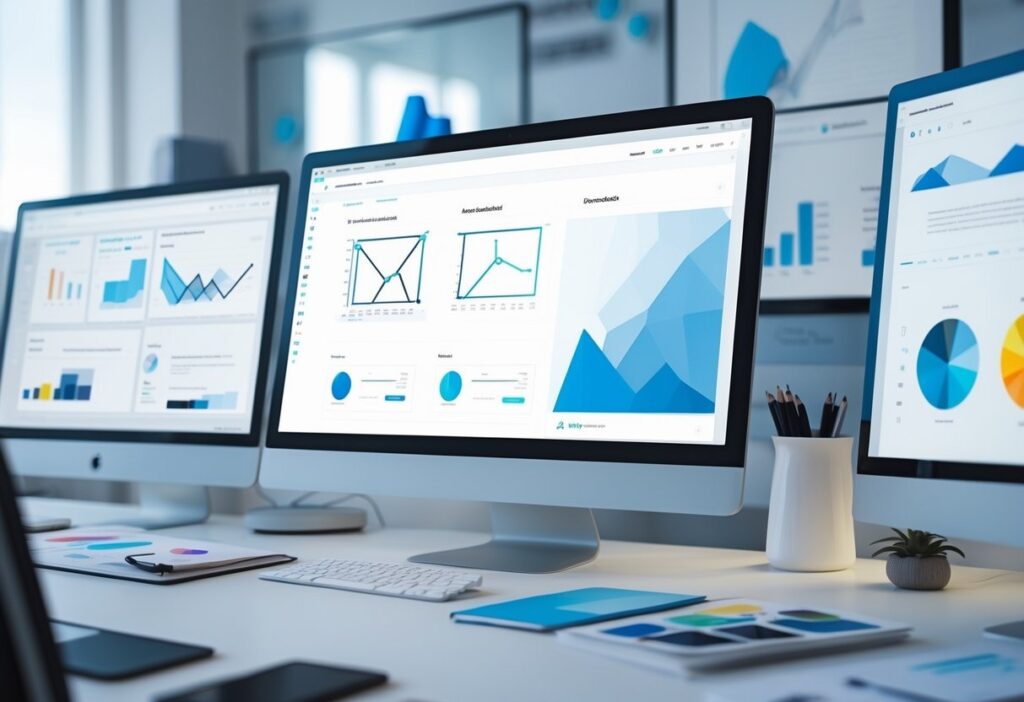
Great ecommerce design guides users with clear priorities and easy-to-read content. Use graphics and copy that highlight what matters, don’t overwhelm shoppers. A smooth path to purchase means more sales and better feedback for ongoing tweaks.
Visual Hierarchy and Effective Use of Graphics
Visual hierarchy shows users what matters most. Bigger fonts, bold headlines, and bright colors pull attention to CTAs like “Add to Cart.” It helps people find what they want fast.
Use sharp product photos from different angles. Lifestyle pics can build trust and help people picture themselves using your stuff. Every graphic should have a purpose; ditch anything that just adds clutter.
White space and straight alignment keep things clean. Grids help organize content. When you combine a strong hierarchy with the right graphics, users move smoothly through your site and checkout.
Color Schemes, Typography, and Readability
Colors set the mood and shape your brand. Contrasting colors make CTAs stand out and get more clicks. Stick to neutral backgrounds with pops of color for action items.
Pick fonts that are easy to read, sans-serif usually works best online. Make sure text is big enough, especially for product info and buttons.
Space out lines and break up paragraphs. Use bullet points and short sentences to make info skimmable. Nobody reads giant blocks of text. Consistent styles build your brand and make the site easier to use.
Accessibility and Progressive Disclosure
Accessibility means everyone can use your site, including people with disabilities. Design for keyboard navigation, screen readers, and color blindness. You’ll reach more people and get more sales.
Progressive disclosure keeps things simple. Show the basics first, then let users click for more details. For example:
- List main specs up front, with “More Details” sections
- Hide long policies, but link to them clearly
- Only show extra form fields when needed
This gives users control and keeps them from feeling overwhelmed.
Continuous Improvement: Analytics, User Feedback, and A/B Testing
Check your site data often. See where people drop off and what’s working. Look at click rates, cart abandonment, and how long people stick around.
Ask users for feedback with surveys or usability tests. They’ll tell you what’s tripping them up, stuff you might never notice just looking at numbers.
Run A/B tests to compare different pages or elements. Try new button colors, words, layouts, or checkout flows. Let real results guide your choices.
Keep cycling through analytics, user insights, and testing. That’s how you keep conversions climbing and your ecommerce business growing. Want more strategies? Check out e-commerce UX best practices.
Frequently Asked Questions
Good UX design for e-commerce means clear navigation, quick load times, and trust signals that help users buy with confidence. Optimizing CTAs and making sure the site works on mobile are also huge for getting more conversions.
What are the top 5 UX design principles that can significantly improve e-commerce conversion rates?
First, keep navigation simple so shoppers find products fast. Fast-loading pages keep people from bouncing. Clear, bold CTAs nudge users to finish a purchase.
Trust signals like secure payment badges and consistent branding build credibility. And mobile optimization is a must, since more people shop on their phones every year.
How can UX design influence the conversion optimization process for websites?
UX design shapes every step of the customer journey. It removes blockers and makes the next steps obvious. Smart UX means testing layouts, copy, and button spots to see what actually gets results.
Easy-to-scan content and persuasive copy help answer questions and calm doubts, raising conversion rates. Keep analyzing and tweaking to stay ahead.
What are the best practices in UX for enhancing user engagement and conversion on e-commerce platforms?
Start with intuitive menus and a search that actually helps people find what they want fast. High-contrast buttons and links? Those make calls-to-action pop; no one should miss them.
Add alt text to images so everyone can shop, and show real customer reviews to boost trust. Keep form fields short, especially on mobile; nobody likes a checkout that takes forever.
When you sweat the small stuff, you create a seamless shopping experience that brings people back and nudges them to buy. If you’re not sure where to start, maybe it’s time to call in some web design pros who know these tricks inside out.
Optimize Your Website Experience With Expert Support
Improving UX is one of the fastest ways to lift conversions, but many teams aren’t sure which changes will make the biggest impact.
If you want clearer navigation, stronger CTAs, or a smoother mobile experience, the team at Impremis can help you refine your site with data-backed improvements that move real numbers.
Whether you’re working on a full redesign or need quick wins that boost conversions fast, you can connect with our UX specialists for tailored guidance. A better user experience leads to better sales, and it starts with the right partner.